Exploring Hex, Project Jupyter & Visivo

Hex vs. Project Jupyter vs. Visivo

Compare key features, capabilities, and differentiators between Hex, Project Jupyter, Visivo. This comprehensive analysis will help you make an informed decision for your data visualization needs.

Quick Comparison

Key features and capabilities at a glance

FeatureHexProject JupyterVisivo
Deployment ModelCloud (SaaS), Private cloud, Enterprise VPCOpen-source (local), Jupyter server, JupyterHub deploymentOpen-source, Cloud Service, Self-hosted
PricingSaaS subscription (free tier with limited projects; paid for teams). Closed-source.Free (BSD license)Open source (GPL-3.0)
Cost$$$$$
Git Integration
CI/CD & Testing
Real-time
AI Features
Visual to Code
DAG-Based

Target Users & Use-Cases

Each BI tool is designed with specific user personas in mind.

Hex

Data scientistsAnalytics engineersData teams collaborating on notebooks

Project Jupyter

Data scientistsResearchersEngineers

Visivo

Analytics EngineersData teamsBusiness usersEngineers

Ease of Development & Deployment

Development experience directly impacts team productivity and time-to-value.

Hex

4/5

Project Jupyter

2/5

Visivo

5/5

Key Integrations & Ecosystem

A robust ecosystem of integrations is essential for modern BI tools.

Hex

Cloud data warehouses (Snowflake, BigQuery, etc.)dbt models and Git reposPython/SQL data sources

Project Jupyter

Python/Julia/R librariesSQL connectorsCustom API integrations

Visivo

dbt coreAll major databasesCustom connector frameworkSlack for alertsGithub

Visualization Capabilities

The ability to create compelling visualizations is key to data storytelling.

Hex

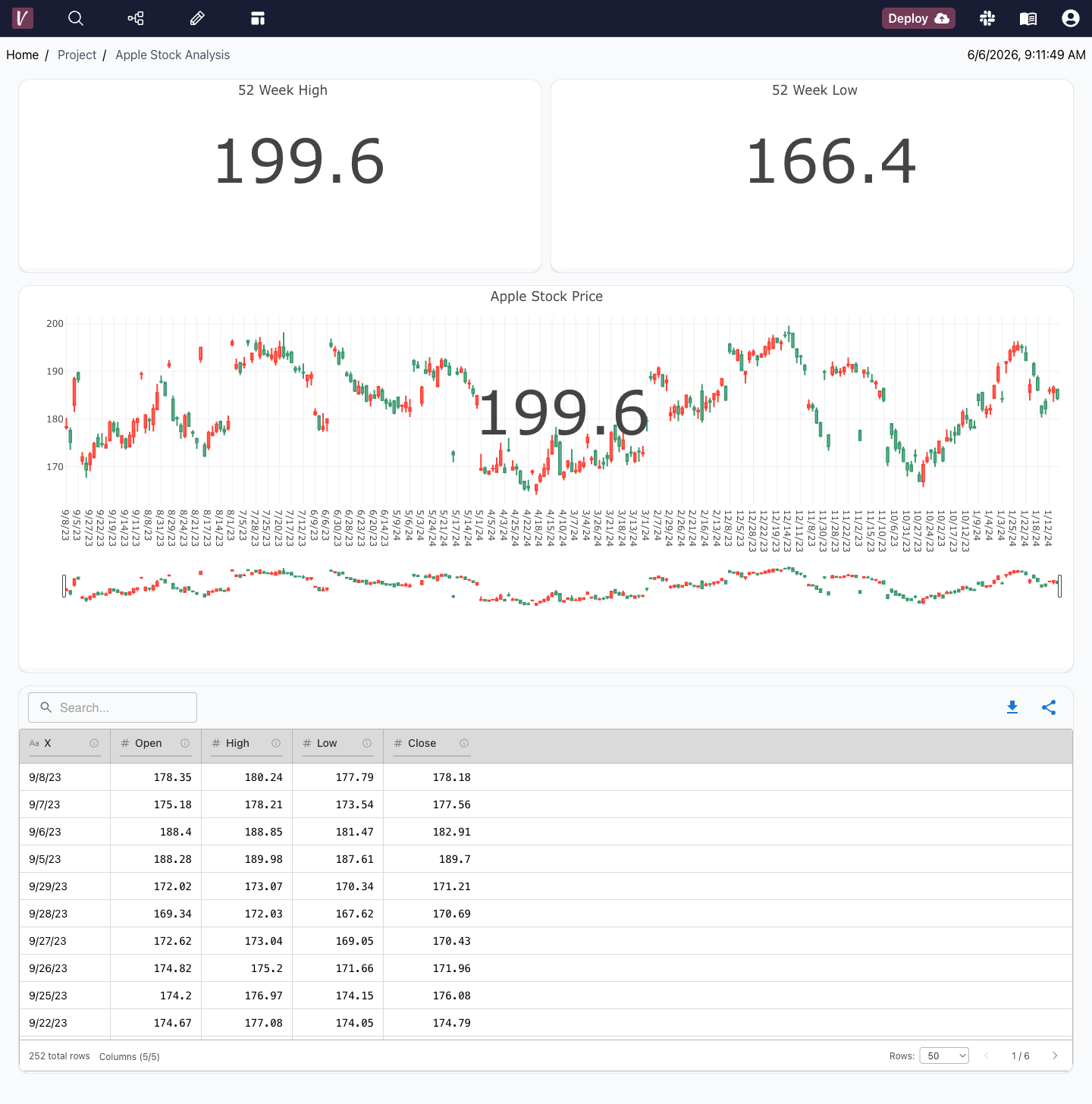
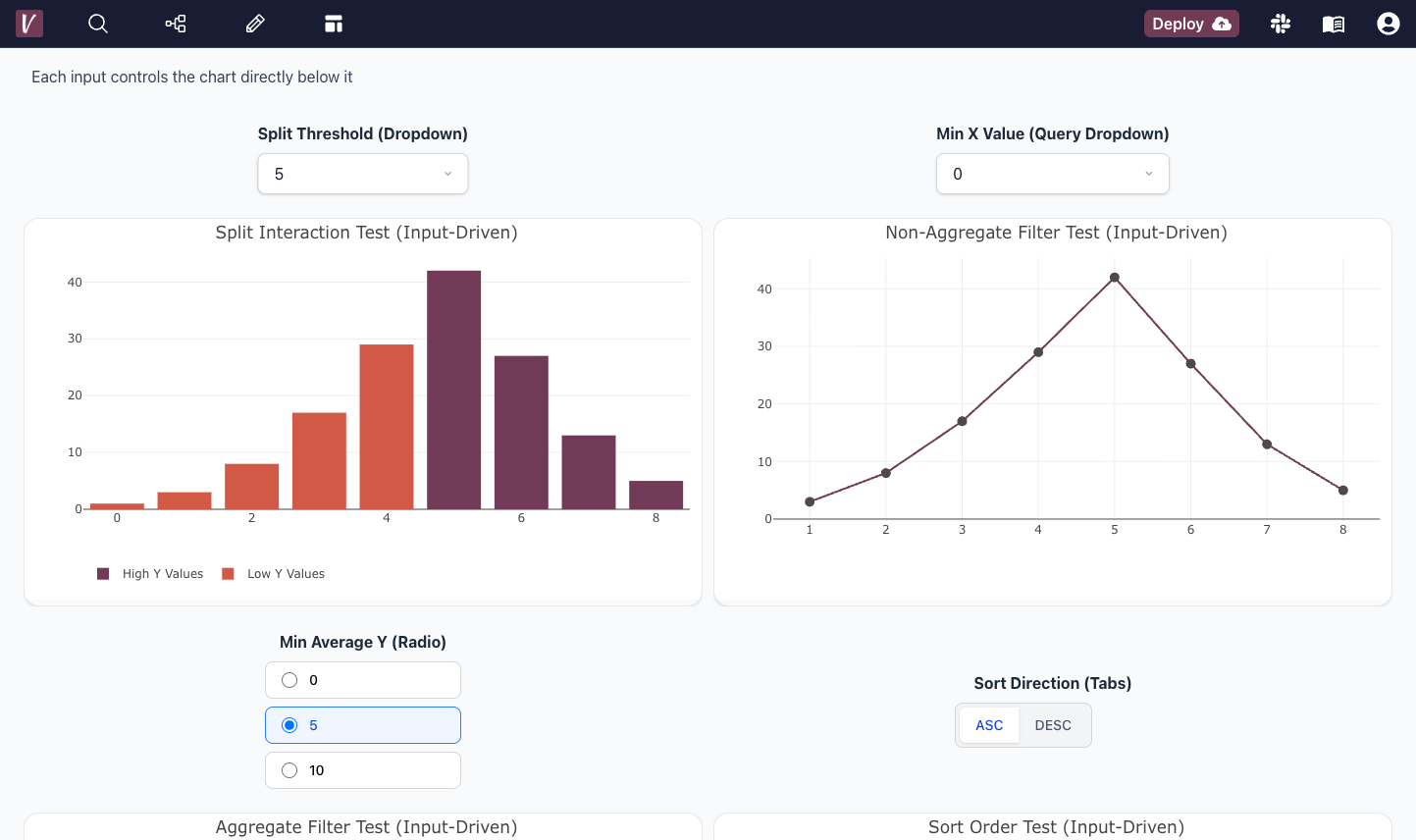
Hybrid UI: notebook-style cells that can contain Pandas dataframes, SQL, or Python code, and separate 'app' view for interactive visual output. Visualizations can be created by pointing and clicking on a dataframe result (common chart types), or fully custom via Python libraries. Can add input widgets for interactivity.

Project Jupyter

Not a conventional BI tool – it's a computing environment. Visuals come from libraries (Matplotlib, Plotly, etc.) within code cells. Highly flexible outputs (any HTML/JS). Sharing typically static (not interactive unless using Voila or similar to create dashboards).

Visivo

Highly custom UI with easy defaults

Detailed Differentiators

Each platform's unique strengths and limitations.

Hex

Mix of code and no-code: data pros can write Python or SQL, then non-tech stakeholders can use the polished published app with interactive controls. Strong collaboration (multiple users can edit same notebook).
Geared towards data team usage – not a pure drag-and-drop BI for end users. To fully utilize, one needs coding ability.

Project Jupyter

Extreme flexibility – you can do anything in code. Huge ecosystem of libraries for analysis and visualization.
Not user-friendly for non-coders; to share insights, often notebook is converted to PDF/HTML which is static. Multi-user collaboration and security are not provided out-of-the-box (need JupyterHub or similar).

Visivo

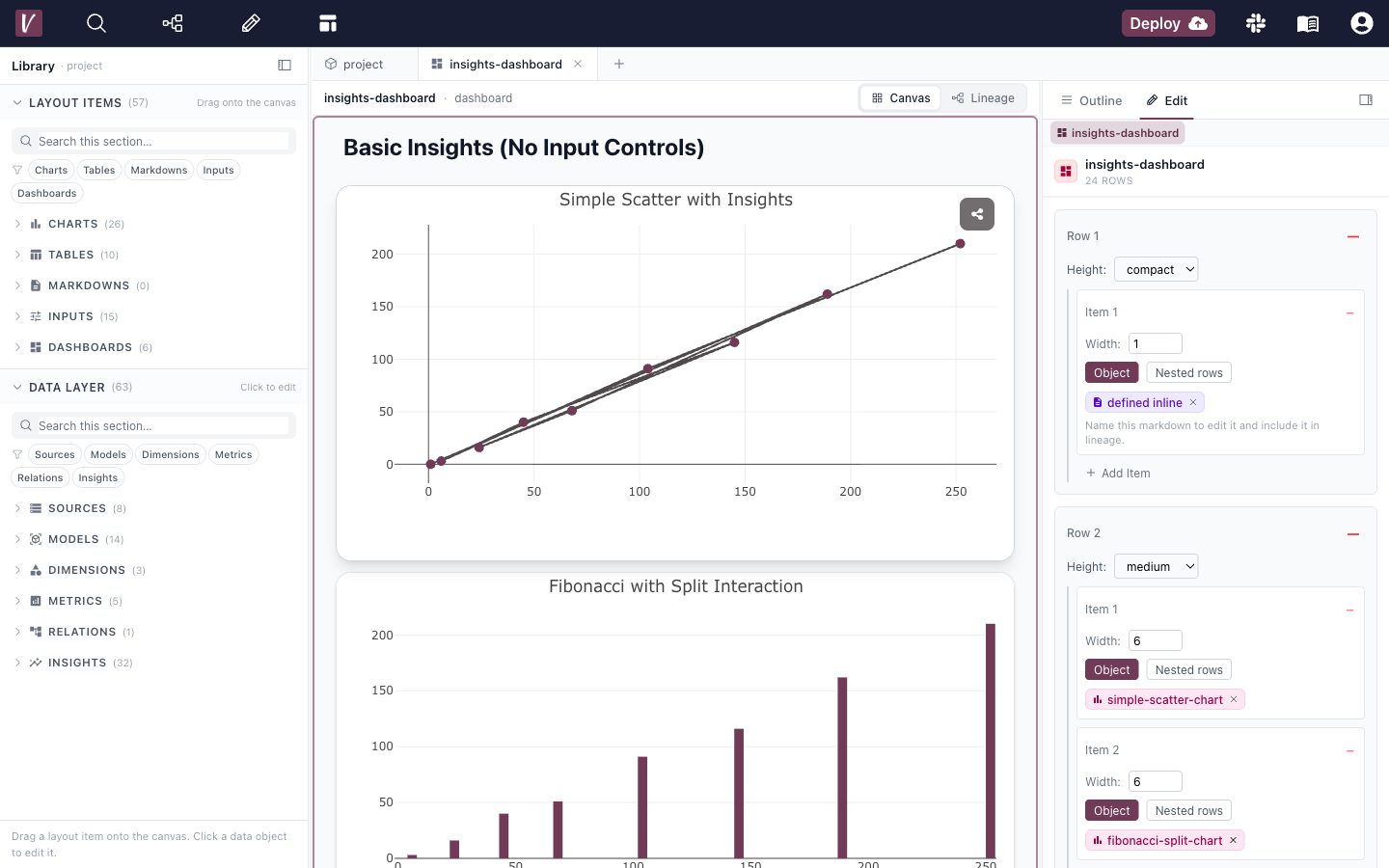
BI-as-code approach enables version control, collaboration, and CI/CD workflows. DAG-based architecture provides powerful data transformation capabilities and dependency management. Seamless visual-to-code workflow allows both technical and non-technical users to build dashboards effectively.
Requires understanding of data concepts; not a pure drag-and-drop tool like Tableau. Initial setup requires technical knowledge for optimal configuration.

Security & Architecture

Critical considerations for enterprise deployments.

Hex

DB Access: Yes, connects directly using provided credentials to sources. Virtualization: No separate semantic layer; queries are run in notebooks. Push: No, though can output results to external sinks via code. Other: Offers granular access controls on projects (who can view/edit). Supports OAuth for data sources so credentials aren't exposed.

Project Jupyter

DB Access: If a notebook connects to a DB, it does so directly (with credentials in code or config). Virtualization: No – but you could use tools like Trino via Python to virtualize in code. Push: No, unless custom code to push data. Other: Jupyter itself has no auth (except if behind JupyterHub). Security concerns if sharing notebooks with sensitive data output.

Visivo

No db access required. Very strong security features due to the DAG-based access controls and the push based deployment model.

Why Visivo Stands Out

While each platform has its strengths, Visivo offers unique advantages for modern data teams.

DAG-Based Architecture for complex data transformations
Visual to Human-readable Code conversion
Multiple development approaches for all skill levels
AI-Powered dashboard creation
Full Git integration and version control
Open-source with enterprise features

Ready to Experience Modern BI?

Try Visivo today and see how it transforms your data analytics workflow.

$ curl -fsSL https://visivo.sh | bash
undefined
Jared Jesionek (co-founder)
agent avatar
How can I help? This connects to our slack so I'll respond real quickly 😄
Powered by Chatlio