Lay out the page in HTML. Fill every slot from the project.
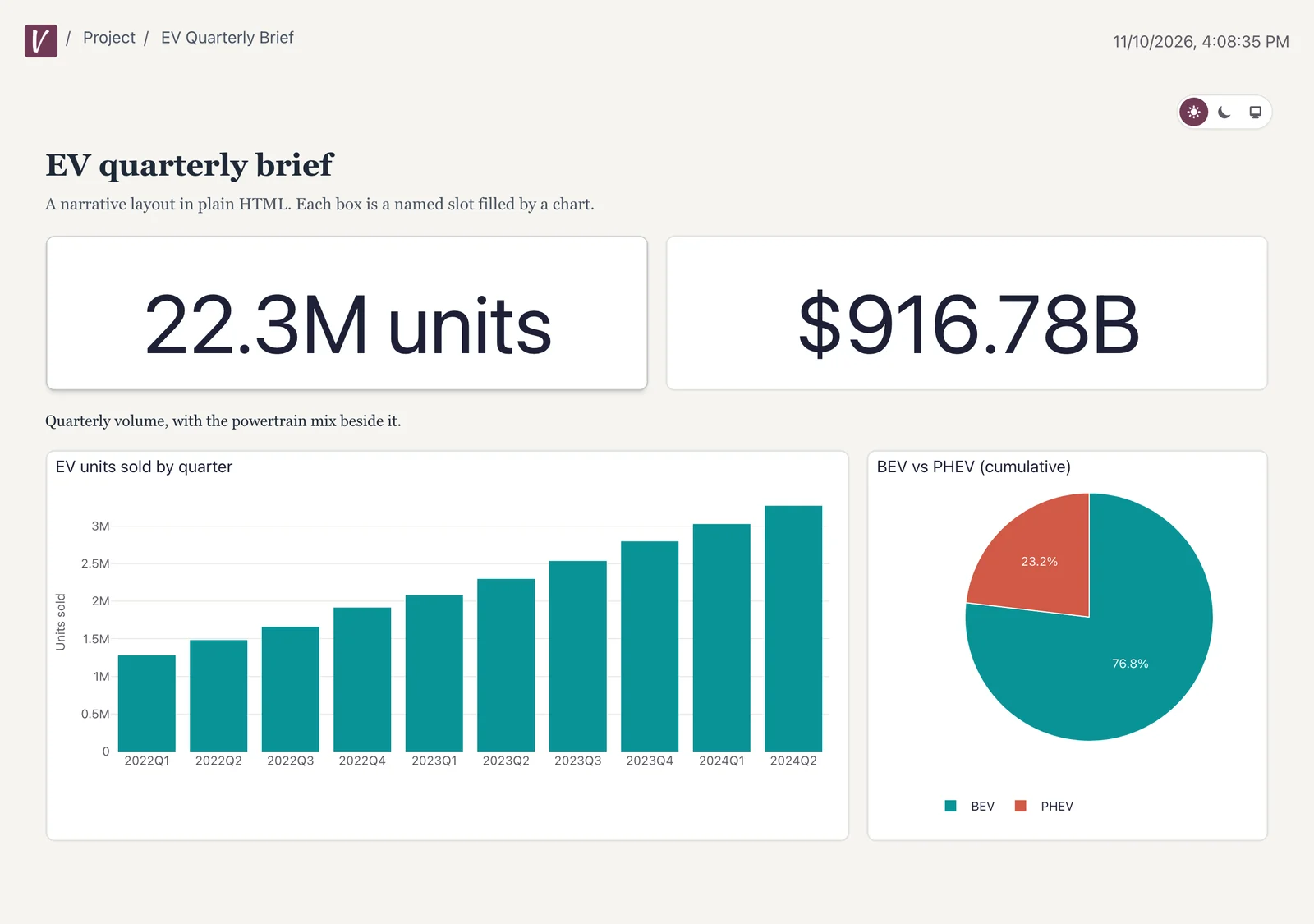
When the arrangement carries meaning, such as a KPI banner, a narrative report or a brand template you already have, write the layout in HTML and CSS. Each named slot holds a chart, table, markdown or input, so the numbers come from the same insights and metrics as every other dashboard.
What you get with Template dashboards
- Named slots
Your CSS decides every size
Mark an element with data-visivo-item="<name>" and the item with that name fills it.
- Safe HTML
Checked when it compiles
Scripts, event handlers, iframes, forms and external stylesheets are refused. The template renders in its own shadow root.
- Travels with the project
The layout lives in the YAML
The HTML is part of the config, so it ships with every deploy and every visivo dist bundle. You edit it as a file.
A layout in HTML, filled by name.
Template dashboards are edited as files. The canvas edits grid dashboards.
dashboards:- name: Quarterly Reviewtemplate: |<style>.kpi { height: 160px; }.wide { height: 420px; }</style><section class="banner"><div class="kpi" data-visivo-item="revenue-kpi"></div><div class="kpi" data-visivo-item="margin-kpi"></div></section><p>Revenue held through the quarter.</p><div class="wide" data-visivo-item="revenue-by-month"></div>
One source of truth the whole company can build on.
Start free in the cloud, or install the open-source CLI and spin up a local dashboard with hot-reload.