Ship dashboards as static files. They still filter.
visivo dist packages your last visivo run into a folder of HTML, JavaScript and data. Put it on S3, GitHub Pages, Netlify or an nginx directory. Inputs and interactions run in the visitor's browser in DuckDB-WASM, with no server of yours behind it.
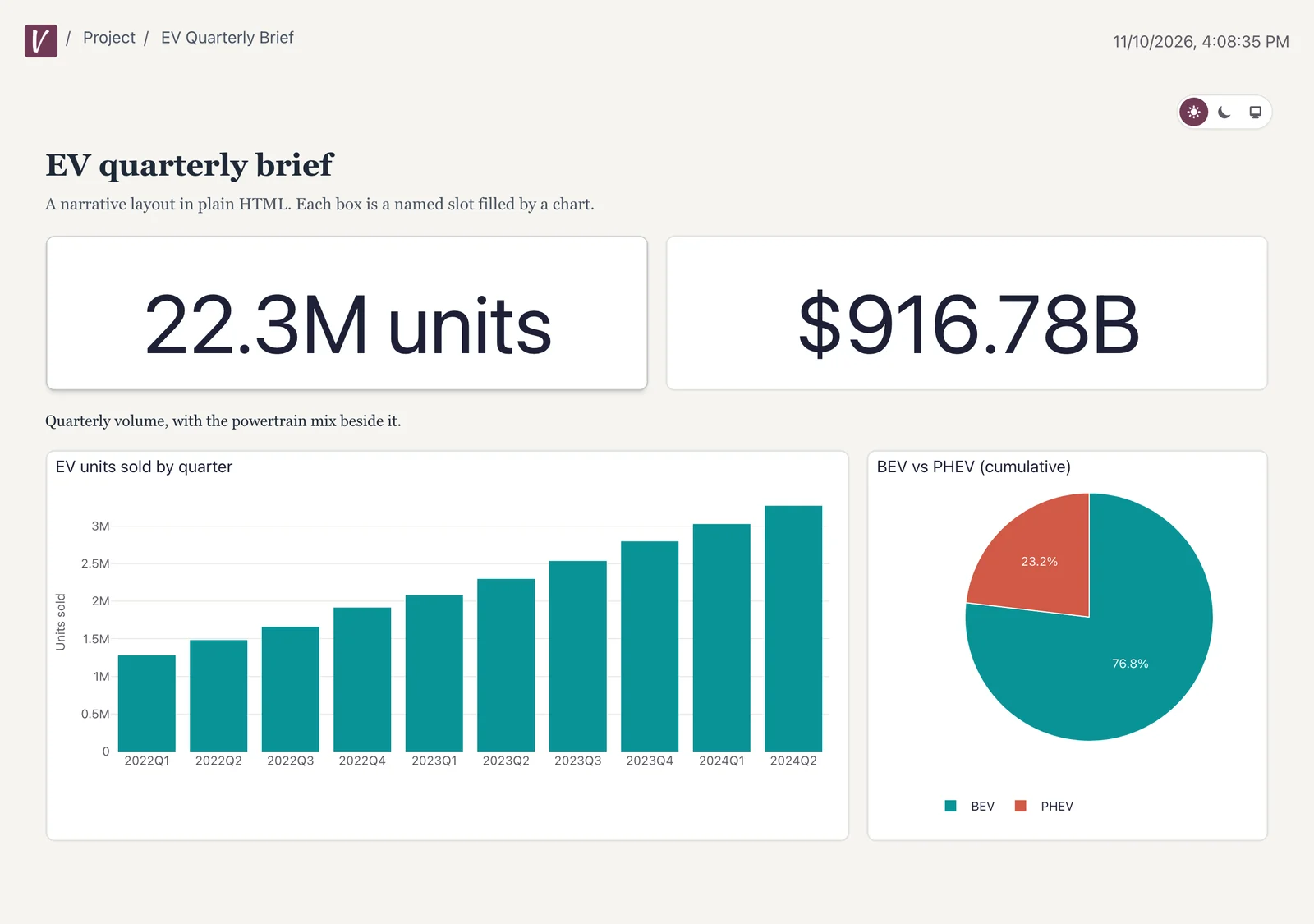
What you get with Static sites
- One command
Run, then dist
visivo run materializes the data. visivo dist writes the viewer and that data to one folder.
- Still interactive
Not a screenshot
Inputs, filters, splits and sorts run in DuckDB-WASM against the data in the bundle. Your database is never queried at view time.
- Know what ships
A snapshot, readable by its audience
The data is frozen at the last run, and anyone who can fetch the files can read it. Aggregate in your models and put access control in front when you need it.
Build the folder, host it anywhere.
Re-run both commands to refresh the numbers, for example from a CI job.
visivo run # materialize the datavisivo dist # viewer + data in ./dist# host under a sub-path, e.g. example.com/reportsvisivo dist --deployment-root /reports# preview it locallypython -m http.server --directory dist
Click around a real dist build.
The live demo is the NYC Taxi project built with visivo dist and served as static files. Every filter runs in your browser.
One source of truth the whole company can build on.
Start free in the cloud, or install the open-source CLI and spin up a local dashboard with hot-reload.