Exploring Qlik Sense, Microsoft Power BI & Visivo

Qlik Sense vs. Microsoft Power BI vs. Visivo

Compare key features, capabilities, and differentiators between Qlik Sense, Microsoft Power BI, Visivo. This comprehensive analysis will help you make an informed decision for your data visualization needs.

Quick Comparison

Key features and capabilities at a glance

FeatureQlik SenseMicrosoft Power BIVisivo
Deployment ModelClient-managed (Windows), Client-managed (Kubernetes), Qlik Cloud (SaaS)Desktop + Cloud Service (PowerBI.com), on-prem Report ServerOpen-source, Cloud Service, Self-hosted
PricingCommercial. Qlik Sense Enterprise is subscription (by user or capacity). Qlik Sense Desktop free for personal use.Free desktop for windows; Pro $10/user/mo for sharing; Premium by capacity. Proprietary license.Open source (GPL-3.0)
Cost$$$$$$$$
Git Integration
CI/CD & Testing
Real-time
AI Features
Visual to Code
DAG-Based

Target Users & Use-Cases

Each BI tool is designed with specific user personas in mind.

Qlik Sense

Enterprise BI usersData analystsGoverned self-service users

Microsoft Power BI

Business analystsExcel power usersenterprise BI teamsBusiness analysts

Visivo

Analytics EngineersData teamsBusiness usersEngineers

Ease of Development & Deployment

Development experience directly impacts team productivity and time-to-value.

Qlik Sense

4/5

Microsoft Power BI

3/5

Visivo

5/5

Key Integrations & Ecosystem

A robust ecosystem of integrations is essential for modern BI tools.

Qlik Sense

Multiple data sources via connectorsPython/R Server Side ExtensionsWeb APIs and databases

Microsoft Power BI

100+ connectors (SQL DBs, Spark, Snowflake, Excel, Salesforce, etc.)Azure ML and Python/R integrationPower BI Gateway for custom integrations

Visivo

dbt coreAll major databasesCustom connector frameworkSlack for alertsGithub

Visualization Capabilities

The ability to create compelling visualizations is key to data storytelling.

Qlik Sense

Powerful interactive visuals with unique associative filtering: all charts update with each selection, and show gray 'excluded' values to encourage discovery. Chart types cover most needs, and extension mechanism allows custom charts. Good formatting control but primarily via UI (no raw HTML/CSS editing).

Microsoft Power BI

Rich library of visuals (bar, line, maps, etc.) plus custom visuals marketplace. Highly customizable formatting. Dashboard-style layouts with interactive tiles. Advanced calculations via DAX formula language.

Visivo

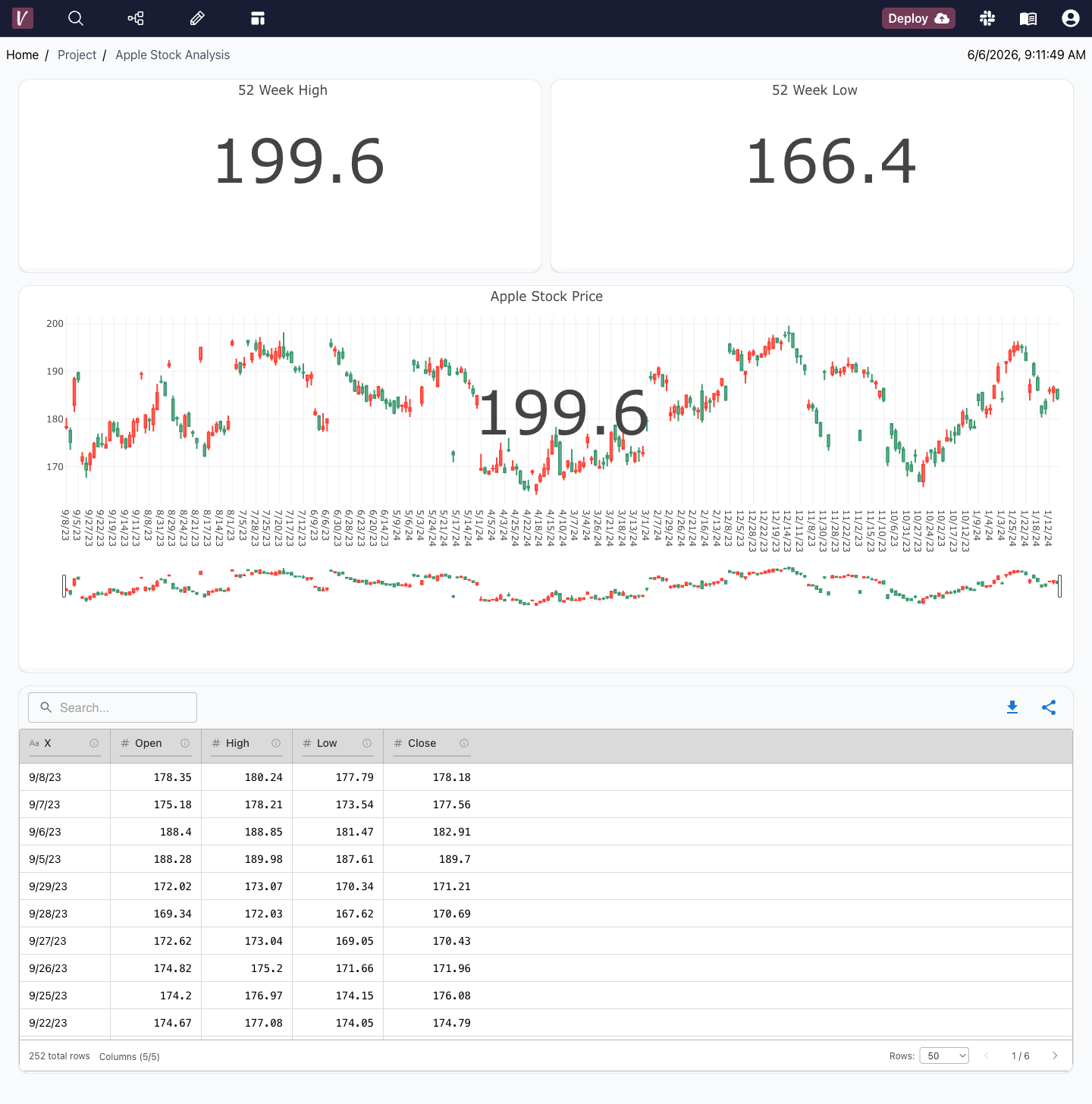
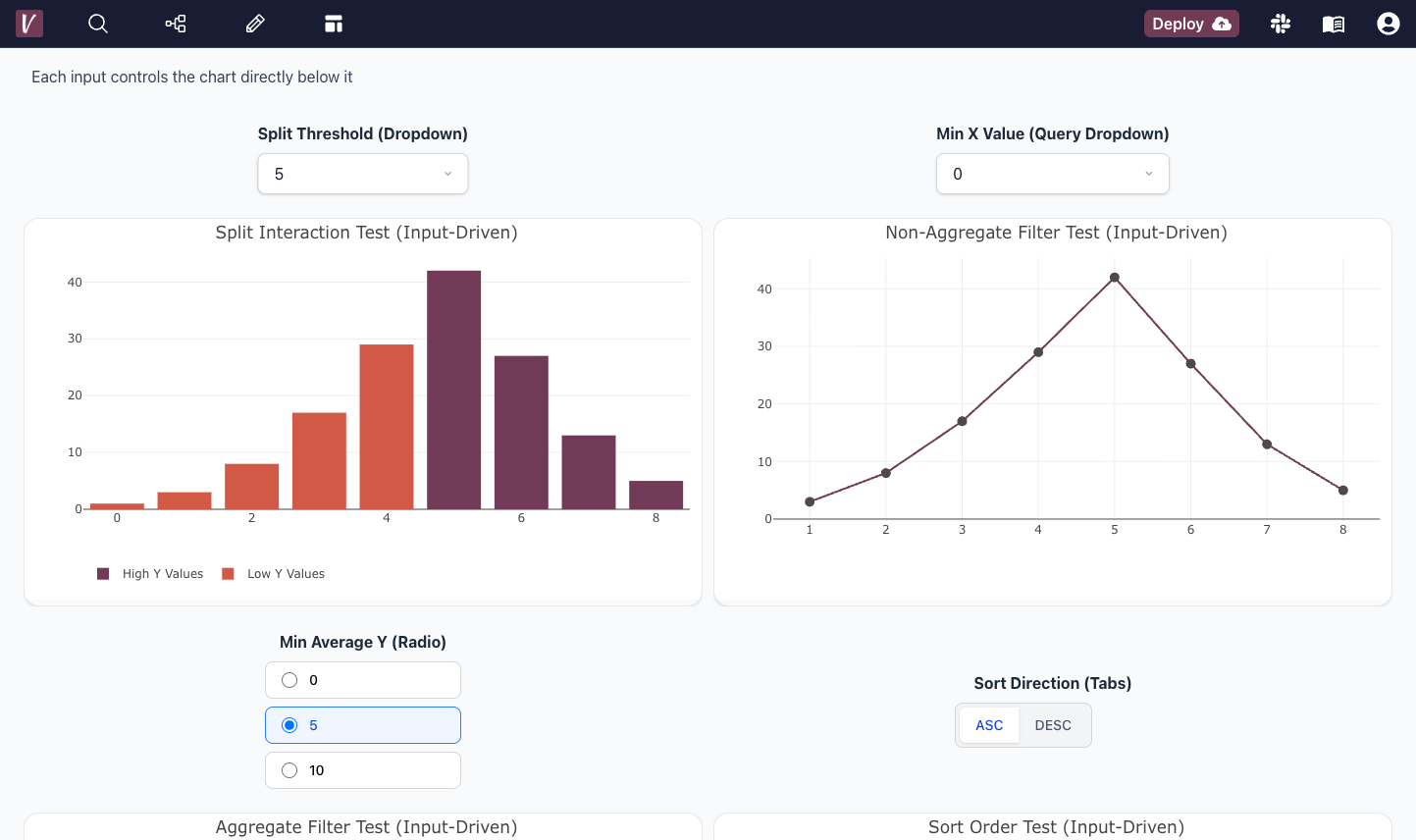
Highly custom UI with easy defaults

Detailed Differentiators

Each platform's unique strengths and limitations.

Qlik Sense

The Associative Engine is Qlik's hallmark – users can freely explore data without query limitations (no SQL needed when using the app). Great for uncovering relationships in data.
Requires data to be loaded into memory for full power, which can be heavy. Learning Qlik's script and the "set analysis" syntax for expressions has a learning curve.

Microsoft Power BI

Tight integration with Microsoft ecosystem (Excel, Azure). Easy to start for Excel users. AI features like Natural Language Q&A and Quick Insights built-in.
Desktop Windows-only; complex on very large datasets without Premium. DAX formulas have steep learning curve for some.

Visivo

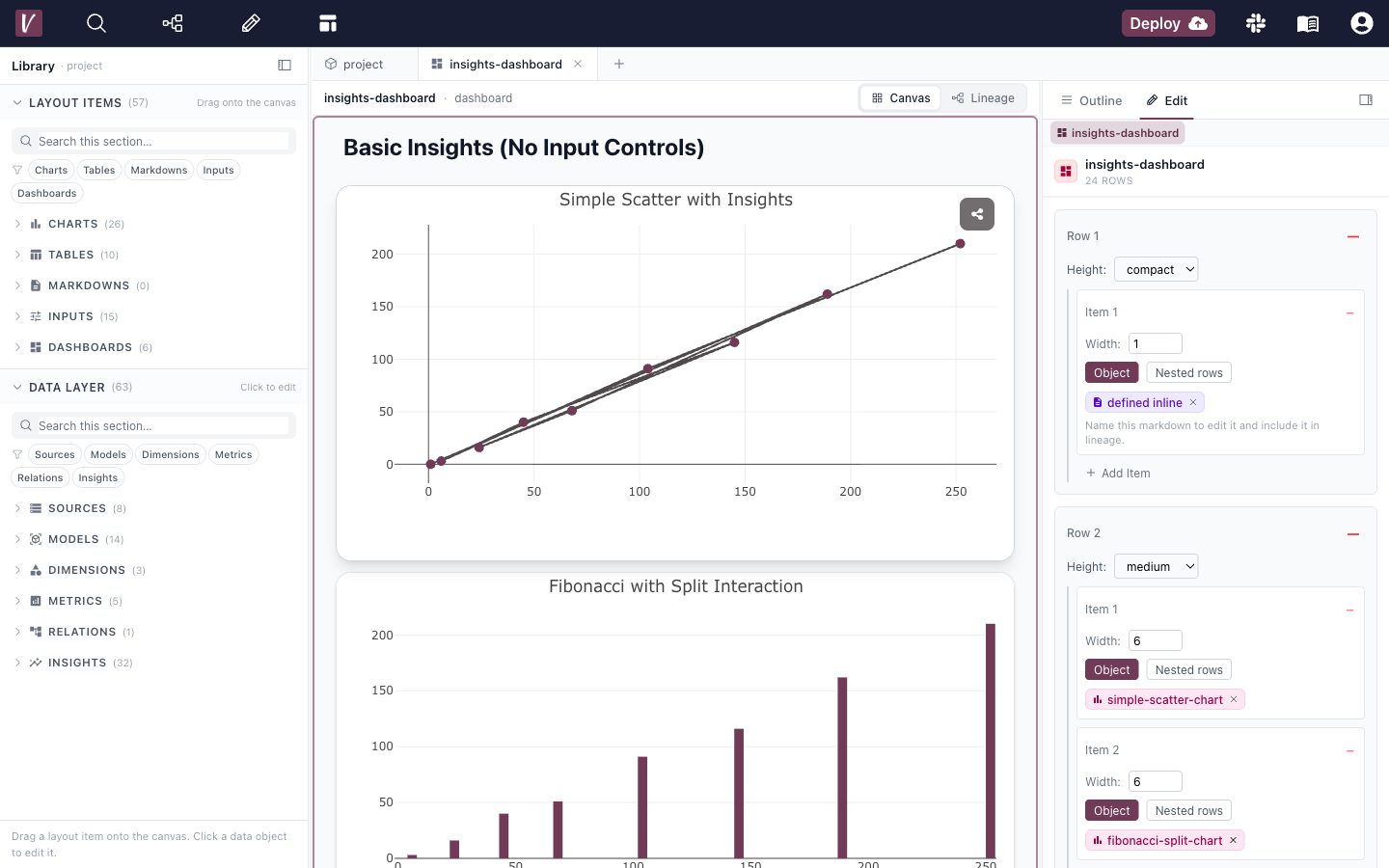
BI-as-code approach enables version control, collaboration, and CI/CD workflows. DAG-based architecture provides powerful data transformation capabilities and dependency management. Seamless visual-to-code workflow allows both technical and non-technical users to build dashboards effectively.
Requires understanding of data concepts; not a pure drag-and-drop tool like Tableau. Initial setup requires technical knowledge for optimal configuration.

Security & Architecture

Critical considerations for enterprise deployments.

Qlik Sense

DB Access: Typically Qlik imports data into its engine (so not needed at runtime). The new Direct Query option (in Qlik Cloud) allows leaving data in DB and querying on interaction for huge data sets. Virtualization: Qlik's standard method is not virtualization but in-memory copies. However, with Direct Query it behaves virtually. Push: Data is pushed into Qlik via load scripts (you schedule reloads). Other: Strong security – Section Access to implement row-level security inside Qlik apps, and robust user access control on the server.

Microsoft Power BI

DB Access: Import mode stores data in in-memory caches (no DB needed at view time); DirectQuery mode requires DB connection for each view. Virtualization: DirectQuery and live connect act as virtualization (query on demand). Push: Supports push data via streaming API for real-time dashboards. Other: Robust security with Azure AD; row-level security definable in reports; data encryption on cloud.

Visivo

No db access required. Very strong security features due to the DAG-based access controls and the push based deployment model.

Why Visivo Stands Out

While each platform has its strengths, Visivo offers unique advantages for modern data teams.

DAG-Based Architecture for complex data transformations
Visual to Human-readable Code conversion
Multiple development approaches for all skill levels
AI-Powered dashboard creation
Full Git integration and version control
Open-source with enterprise features

Ready to Experience Modern BI?

Try Visivo today and see how it transforms your data analytics workflow.

$ curl -fsSL https://visivo.sh | bash
undefined
Jared Jesionek (co-founder)
agent avatar
How can I help? This connects to our slack so I'll respond real quickly 😄
Powered by Chatlio